
Restoring clean data doesn’t mean you have a running app. After an attack, Dreeze brings back everything your apps need, rebuilt in a clean room and checked before anything reconnects.
Getting back to business after ransomware, a breach, or an insider attack, using copies you know are clean. Most backup tools stop at the data. But attackers go after IAM, keys, and config too, even the IaC in your repos, and the app can’t run without them. Restore only the data, and the outage keeps going.
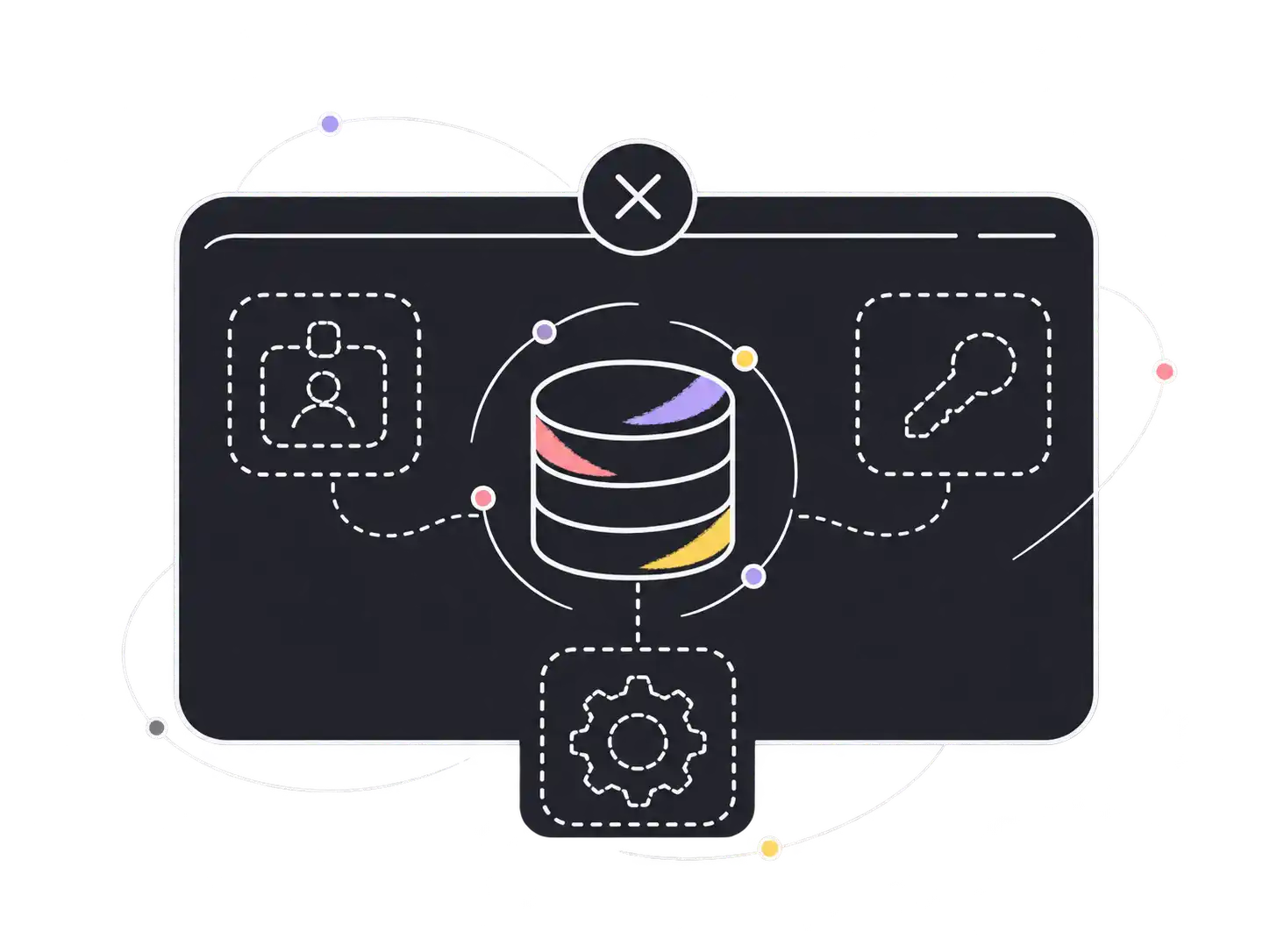
Locked copies, a known-clean restore point, and a safe place to come back
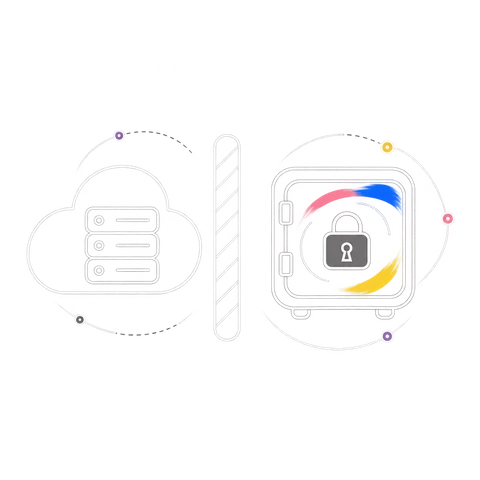
Every app’s data and config land in a logically air-gapped vault account you own, locked the moment they’re written and encrypted with your own keys. In compliance mode, not even a compromised admin can delete them early.
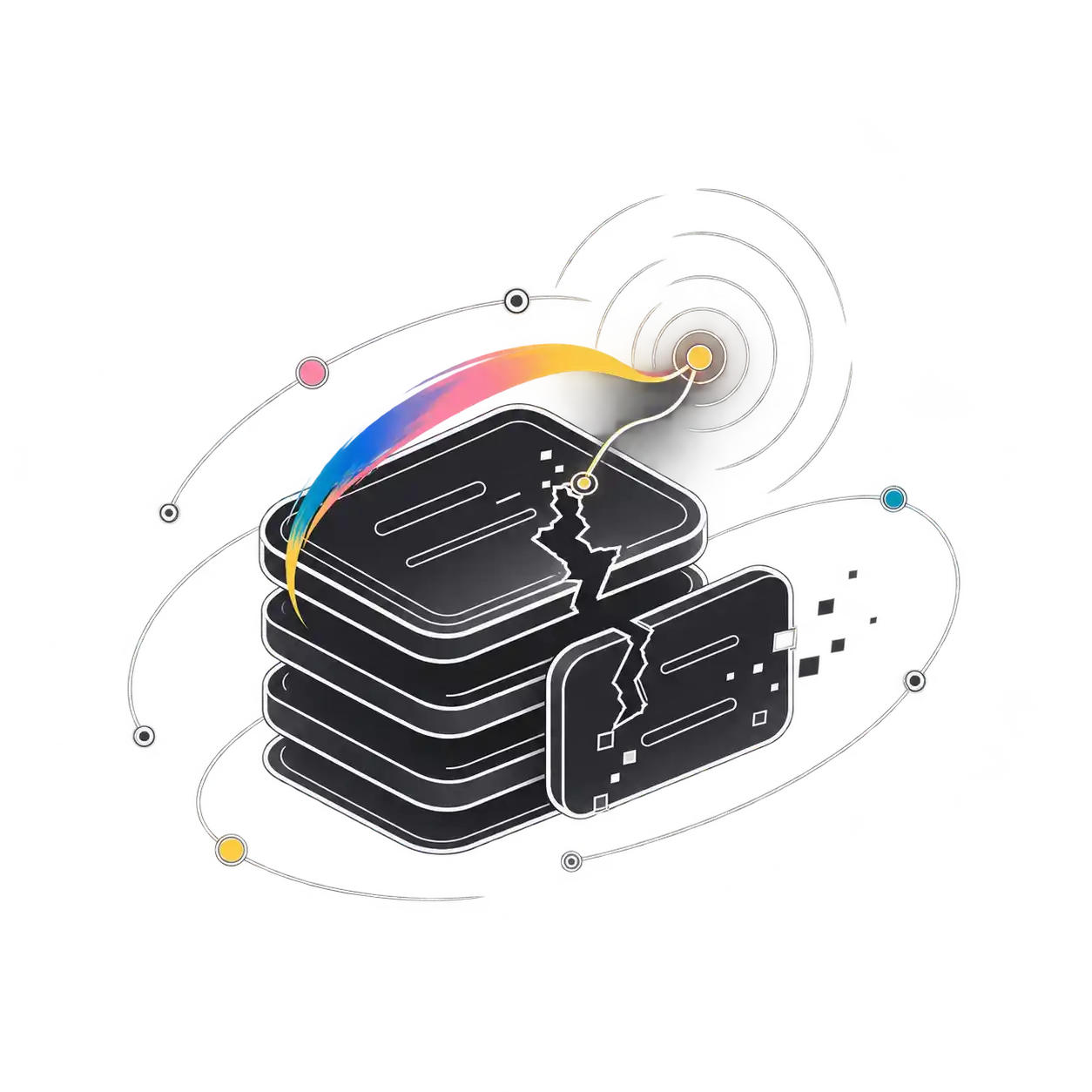
Anomaly checks compare every backup to that resource’s history and flag bulk deletes, missing tables, slow drains, and mass rewrites. Pick a recovery point from before the damage, not a copy the attacker already got to.
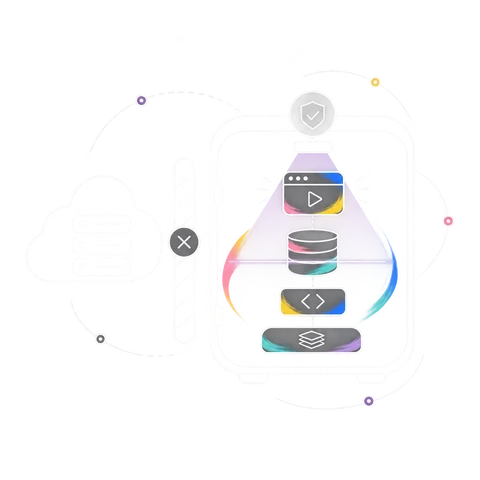
Dreeze rebuilds the whole app in an isolated account, networks and identity first, data and services after, in dependency order. Scan it with the security tools you already trust, then reconnect when you’re sure.
Run the full recovery as a non-disruptive test as often as you like. Every run leaves a report of what came back, in what order, and how long it took. That’s the proof NIST CSF 2.0 asks for when it calls for tested backups and verified restores, ready for your auditors or your board.
Disaster recovery assumes your copies are good and your environment is safe to come back to. Cyber recovery assumes neither: the attacker may still be inside, and some copies may already be compromised. That’s why it needs locked copies, anomaly checks, and a clean room.
Not with compliance mode on. Copies are locked on write in a separate vault account you own, so even stolen admin credentials can’t change or delete them before their retention window ends.
Anomaly checks flag recovery points that show bulk deletes, missing tables, or mass rewrites. Pick a point in time from before the damage, and Dreeze shows which copy each resource will use before anything is rebuilt.
Bringing the app back in an isolated account, cut off from production, so you can scan and validate it before anything reconnects. Dreeze rebuilds the whole app there in dependency order. And crucially, it’s a clean room in your tenant, not Dreeze’s, so you’re fully in the driver’s seat during incident response.
No. Your security stack finds and stops the attacker. Dreeze is how the business comes back. During a clean room recovery, you scan the restored app with the tools you already use.
Yes, mostly in the Recover function, which is what Dreeze is built for: restoring from backups you’ve confirmed are clean, then verifying the app works before it goes back into service. It also supports Identify, by mapping every resource your apps depend on, and Protect, with locked backups you test regularly. For your auditors, that lines up with controls like RC.RP-03, RC.RP-05, ID.AM, and PR.DS-11. Dreeze won’t make you compliant on its own, but it produces the evidence.
Same playbook. The vault doesn’t care who did the damage: a compromised admin, a disgruntled insider, or an agent with too many permissions. Locked copies and a clean room work the same way.
A read-only scan of one AWS account or Azure subscription shows every app, its dependencies, and what a recovery could miss today.